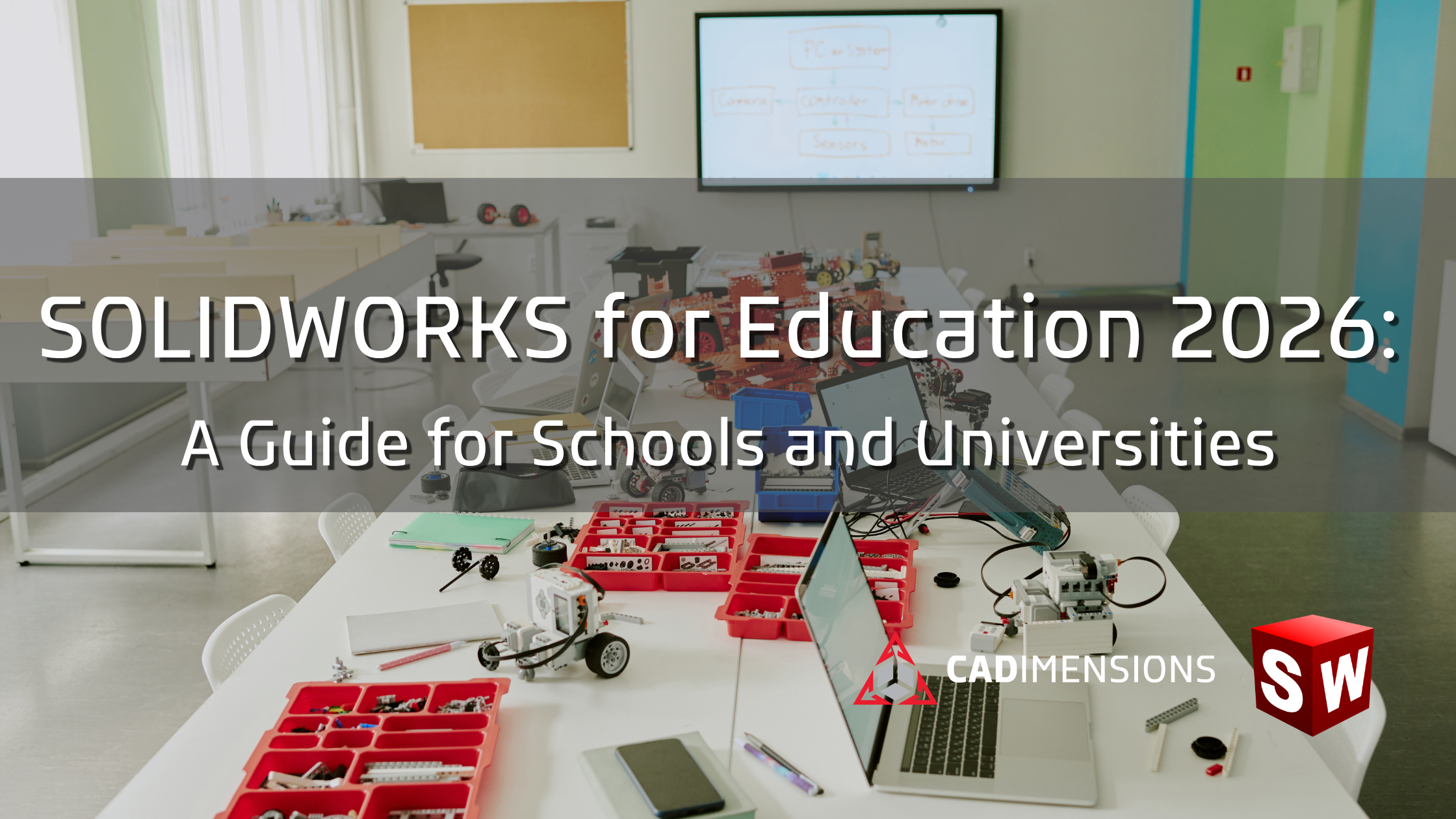
When choosing a 3D design software for STEM and engineering programs, educators need to consider many different factors including: student access, curriculum, certification, and how well the technology prepares students for careers in engineering and manufacturing.
SOLIDWORKS for Education provides a classroom-ready set of design and learning tools. The desktop Education Edition includes more than 12 products that help students create, test, communicate, and manage their designs. The expanded portfolio also brings cloud-based design and collaboration into the classroom through the 3DEXPERIENCE platform.
In this guide, we’ll explain what SOLIDWORKS for Education offers in 2026, including its design tools, cloud capabilities, curriculum resources, certification opportunities, and access options for K-12 schools, colleges, and universities.
What Is SOLIDWORKS Education?
SOLIDWORKS Education is a collection of 3D design and engineering tools created for K-12 schools, colleges, and universities. It gives students hands-on experience with the same types of technology used by engineering and manufacturing professionals.
Students can use SOLIDWORKS to create 3D parts and assemblies, prepare 2D drawings, test how designs may perform, and communicate their ideas. The SOLIDWORKS Education Edition includes more than 12 products that support the design process, from early concepts through validation and documentation.
Schools can also add cloud-based tools through the 3DEXPERIENCE platform. These tools help students store design data, manage projects, and collaborate with classmates from one connected environment. Together, the desktop and cloud options allow educators to build practical learning experiences around design, engineering, manufacturing, and teamwork.
What’s new for students in 2026?
The right package depends on who needs access, where students will work, and which design activities the curriculum requires. Before selecting an option, document the following:
- Curriculum: Confirm that the available tools support the design, simulation, documentation, and manufacturing workflows the course requires.
- Access: Define how students and educators will use desktop and cloud-based tools in classrooms, labs, and remote environments.
- Technology: Review hardware, network, storage, and IT requirements before planning deployment.
- Certification: Decide whether student or educator certification should be part of the program and verify the subscription requirements to offer exams.
- Support: Identify the training, curriculum resources, and implementation guidance instructors will need.
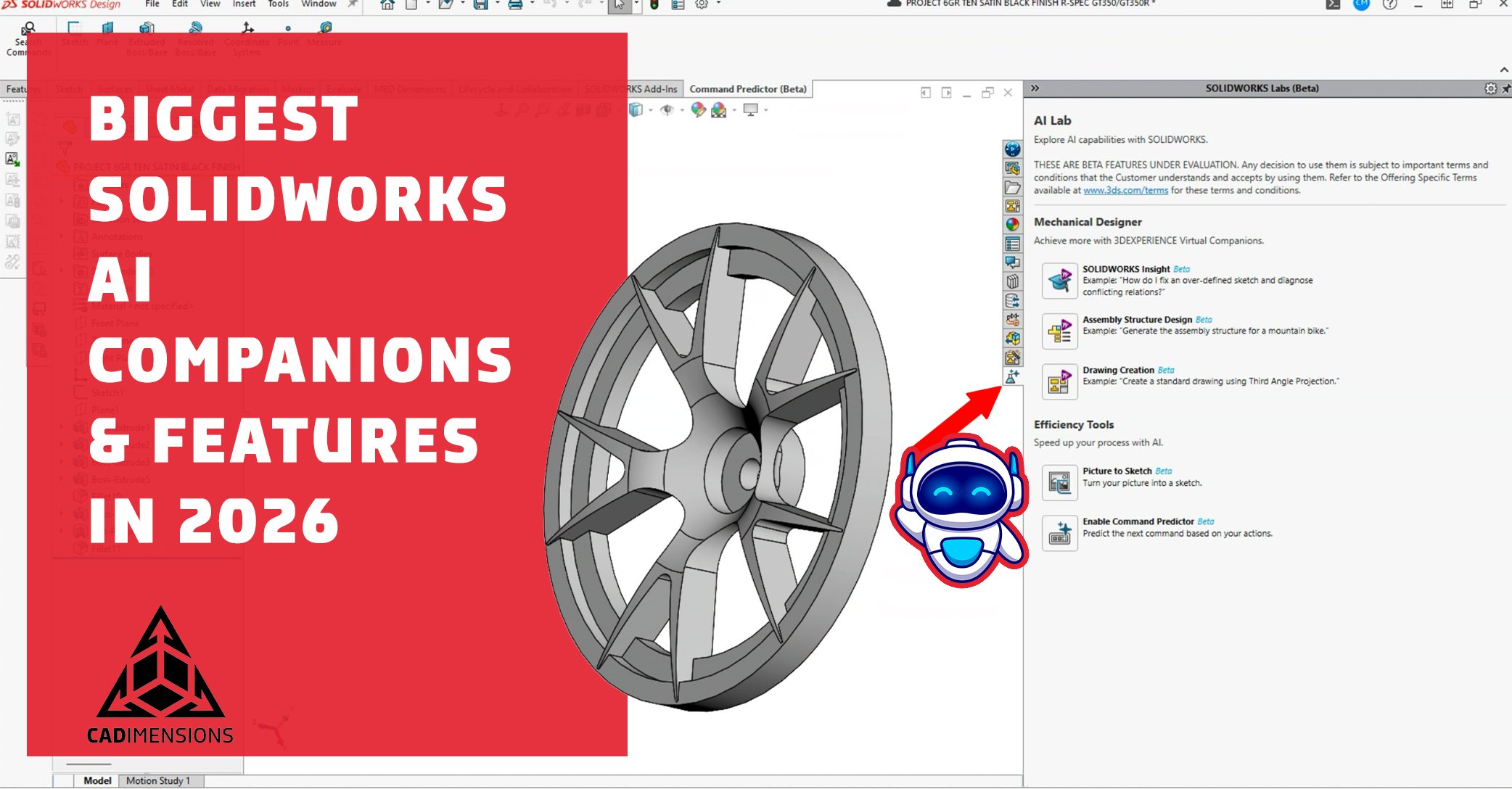
The latest SOLIDWORKS Education update expands the tools students can use to design, collaborate, and manage projects in the cloud.
One key addition is cloud-based 2D drawing creation in SOLIDWORKS xDesign. Students can create drawings connected to their 3D models, complete with dimensions, annotations, and tolerances. When the model changes, the drawing updates automatically. This helps students understand how 3D designs connect to the technical drawings used in engineering and manufacturing.
The portfolio also adds 3DEXPERIENCE SOLIDWORKS for Education. This option connects the SOLIDWORKS desktop application to the 3DEXPERIENCE platform, giving students and educators one secure place to manage designs, documents, and other project resources.
Additional education roles expand the platform’s capabilities. Depending on the selected package, students can create parametric models and organic shapes, design sheet metal parts and structures, manage product data, assign project tasks, track milestones, and collaborate in real time. These connected tools give students experience with the team-based workflows they may encounter in engineering and manufacturing careers.
SOLIDWORKS Education 2027 will be available Q4 2026 with even more enhancements.
What Curriculum Resources Does SOLIDWORKS Education Include?
SOLIDWORKS and CADimensions provide curriculum and classroom resources for middle schools, high schools, technical institutions, colleges, and universities.
Educators can use lessons covering a wide range of topics including: 3D design, simulation, electrical design, documentation, manufacturing, and visualization. SOLIDWORKS also offers project-based resources for middle and high school classrooms. Education customers with active subscriptions can access additional eBooks and exercise files, while built-in SOLIDWORKS Simulation tutorials support more advanced learning.
These resources can help students progress from basic modeling concepts to applied engineering projects. Educators can use them to introduce design principles, guide hands-on assignments, and prepare students for more advanced coursework and certification.
Explore the full collection of SOLIDWORKS academic curriculum and classroom resources.
.png)
What Certifications Can Students Earn with SOLIDWORKS?
SOLIDWORKS certifications allow students to prove that they can apply their CAD skills to real design tasks. These industry-recognized credentials can strengthen resumes, college applications, internship applications, and early career opportunities in engineering and manufacturing.
The Certified SOLIDWORKS Associate (CSWA) is a common starting point for students. It covers core skills such as part modeling, assemblies, drawings, and design intent. As students gain experience, they can continue to the Certified SOLIDWORKS Professional (CSWP) or pursue specialty certifications in areas such as simulation, sheet metal, and additive manufacturing.
Schools can also apply to become SOLIDWORKS Academic Certification Providers. Eligible institutions can offer certification exams to students as part of their coursework, subject to SOLIDWORKS licensing and subscription requirements. Educators can pursue the SOLIDWORKS Accredited Educator credential to validate their technical and instructional skills. View the full list of available certifications and requirements.
Why Does SOLIDWORKS Matter for Career Readiness?
SOLIDWORKS gives students experience with the design tools and workflows used by engineering and manufacturing professionals. Students learn how to create parts and assemblies, prepare technical drawings, test designs, manage project data, and communicate their ideas.
These projects also build skills that extend beyond software. Students practice problem-solving, teamwork, design thinking, and making changes based on feedback. Cloud-based collaboration tools can introduce them to shared project environments, task management, and revision control.
SOLIDWORKS certifications give students another way to demonstrate their abilities. By combining hands-on projects with an industry-recognized credential, students can graduate with portfolio work and verified CAD skills to share with colleges, internship programs, and employers.
Find the Right SOLIDWORKS Solution for Your Program
Choosing educational CAD software requires a clear understanding of your curriculum, student access needs, existing technology, and long-term program goals.
The CADimensions education team can help you compare SOLIDWORKS licensing options, evaluate classroom and student access, review hardware requirements, and plan for curriculum, training, and certification. Whether you’re building a new STEM program or expanding an established engineering lab, we’ll help you create a solution that fits your students, instructors, and IT environment.

.png)